For real estate agents
Empty listings, staged before the first viewing.
Buyers struggle to picture an empty room. RenderRoom stages it from the photo you already took, so your listing shows the space as a home, and you stay honest about it with a clear label.
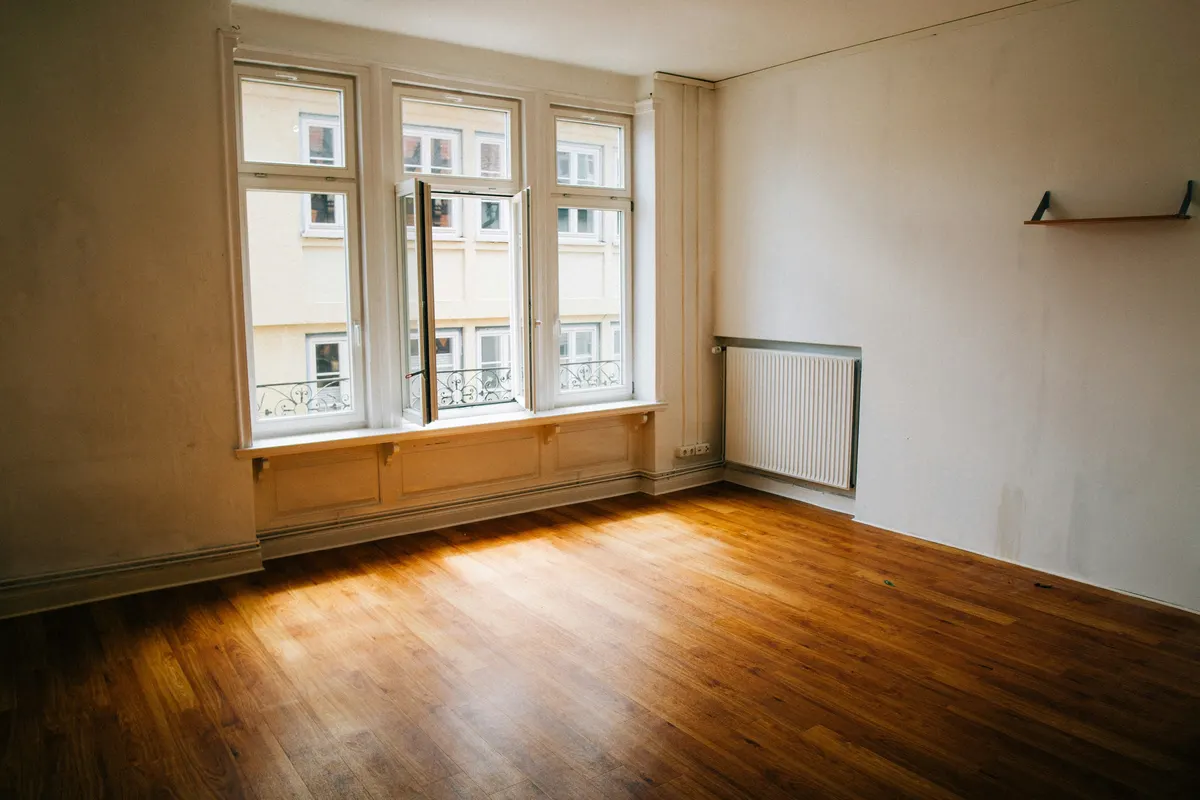
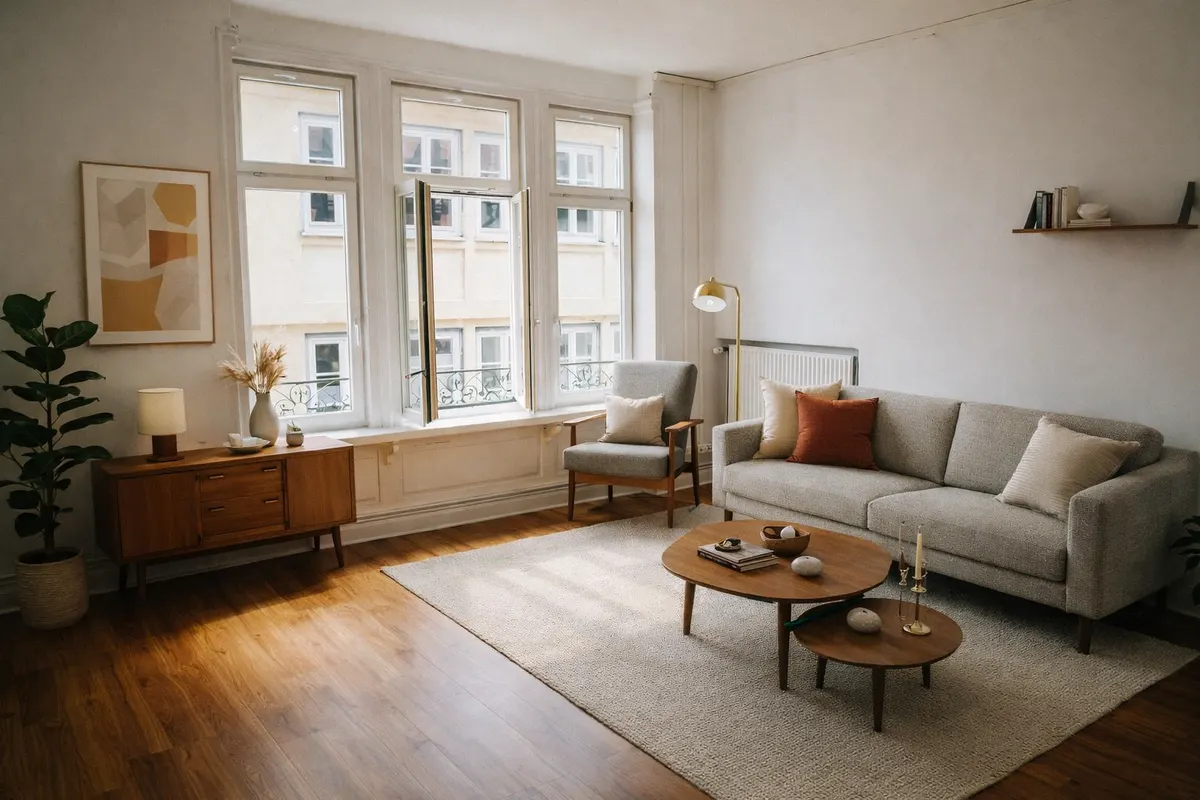
Your render is an AI image based on your own photo: check it before you use it.
From the photos you already have
Upload a room photo from your listing. No new shoot, no furniture to move.
About a minute per room
Pick the room type and one of six styles. Compare before and after, then download.
Labelled, so you stay compliant
Downloads can carry a “Virtually staged” label. Show the original photo in the listing too.
Pay per render, no subscription
One free render a day with a free account, then credit packs that never expire.
Six styles to choose from
- Scandinavianlight wood, white, soft textiles
- Japandilow furniture, natural tones, calm
- Mid-century modernwalnut, tapered legs, mustard
- Industrialmetal, leather, exposed materials
- Coastallinen, blues, light and airy
- Minimalistfew pieces, clean lines
Questions
Do I have to say the photo is virtually staged?
Yes. A staged photo shows what the room could look like, not what it contains. Most listing platforms and local rules expect you to disclose it, so every RenderRoom download can carry a “Virtually staged” label. Never use staging to hide defects.
Can I use it for every listing?
Yes. Credits are shared across all your listings and never expire.
Can I use the renders in my listings?
Yes, as long as you disclose virtual staging as your local rules require. Your photos are stored privately in your account and you can delete them anytime.