Virtual staging · Bedroom
Virtual staging for bedrooms
Without a bed it's hard to judge a bedroom: does a double fit, where do the side tables go, is there room for a wardrobe? Staging answers those questions at a glance.
Stage a room free 1 free render a day · about a minute per room
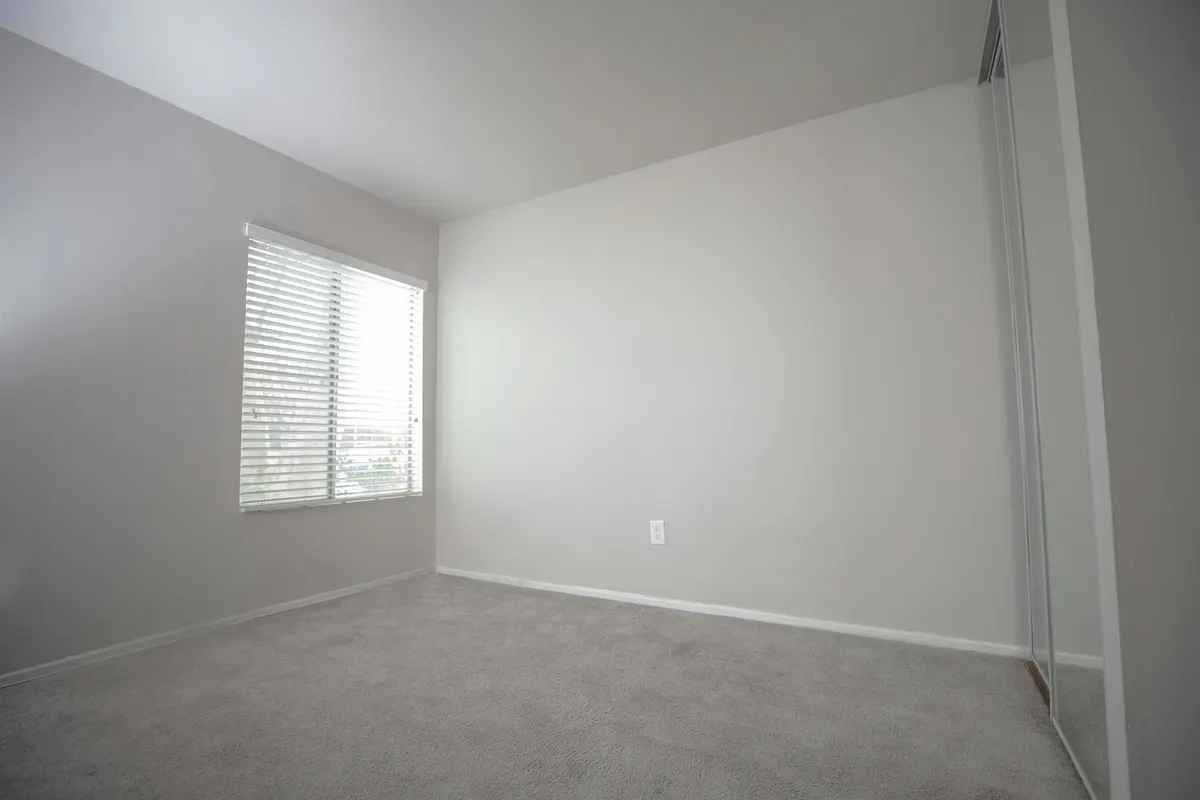
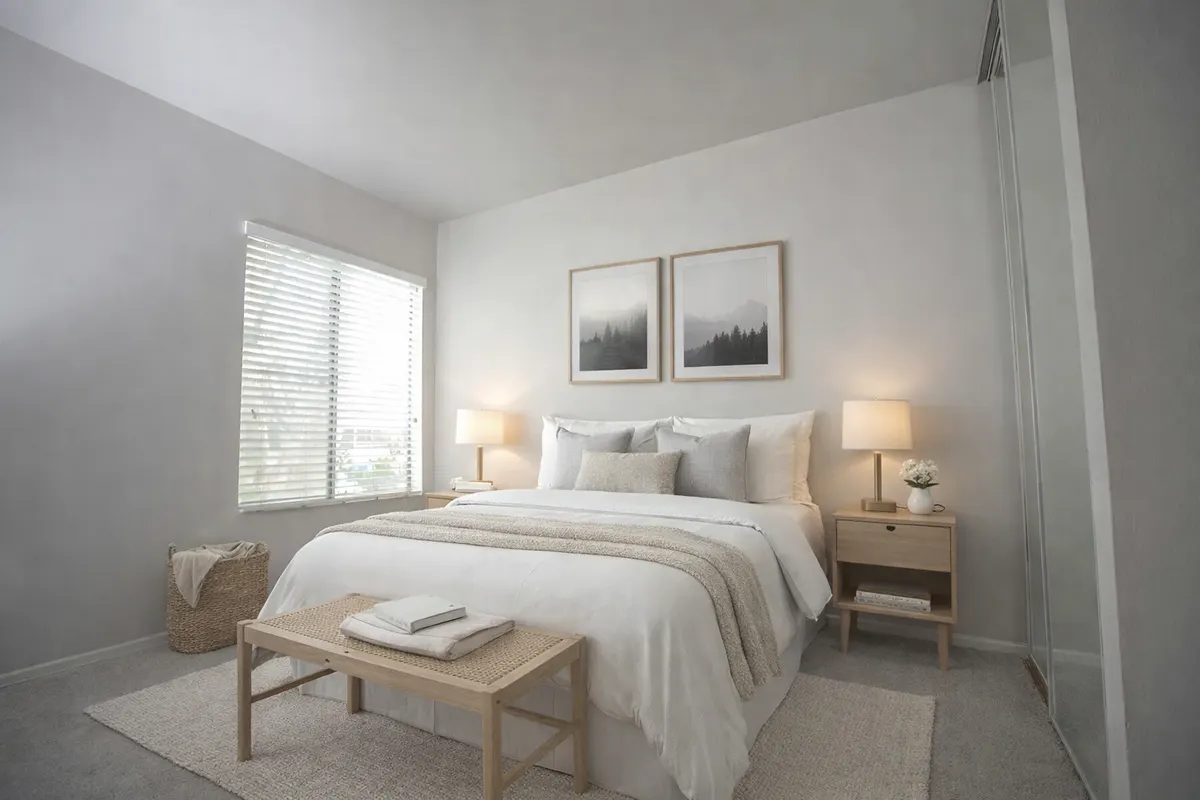
Your render is an AI image based on your own photo: check it before you use it.
What staging adds
- A bed sized to the room, with soft textiles
- Side tables and bedside lamps
- A rug and a few calm decor pieces
- Curtains that frame the window
Shoot it right
- Shoot from the doorway or a corner so the whole floor is visible
- Use daylight and switch the ceiling light on
- Remove boxes or leftover items before shooting
How it works
- 1Upload the photoJPEG, PNG or WebP up to 10 MB, taken from a corner with the lights on.
- 2Pick “Bedroom” and a styleAdd a short note if you want something specific, like a reading corner.
- 3Compare and downloadSlide between before and after; downloads can carry a “Virtually staged” label.
Six styles to choose from
- Scandinavianlight wood, white, soft textiles
- Japandilow furniture, natural tones, calm
- Mid-century modernwalnut, tapered legs, mustard
- Industrialmetal, leather, exposed materials
- Coastallinen, blues, light and airy
- Minimalistfew pieces, clean lines
Questions
Can I choose the bed size?
Add a note such as “a queen bed against the left wall”. The note guides the render; check the result before you use it.
What if the room is very small?
Pick the Minimalist or Scandinavian style: fewer, lighter pieces keep a small bedroom looking open.
Do I have to say the photo is virtually staged?
Yes. A staged photo shows what the room could look like, not what it contains. Most listing platforms and local rules expect you to disclose it, so every RenderRoom download can carry a “Virtually staged” label. Never use staging to hide defects.
Stage your bedroom free 1 free render a day · about a minute per room