Virtual staging · Home office
Virtual staging for home offices
Many buyers and renters now look for a place to work from home. Staging a spare room as an office shows that possibility instead of leaving them to imagine it.
Stage a room free 1 free render a day · about a minute per room
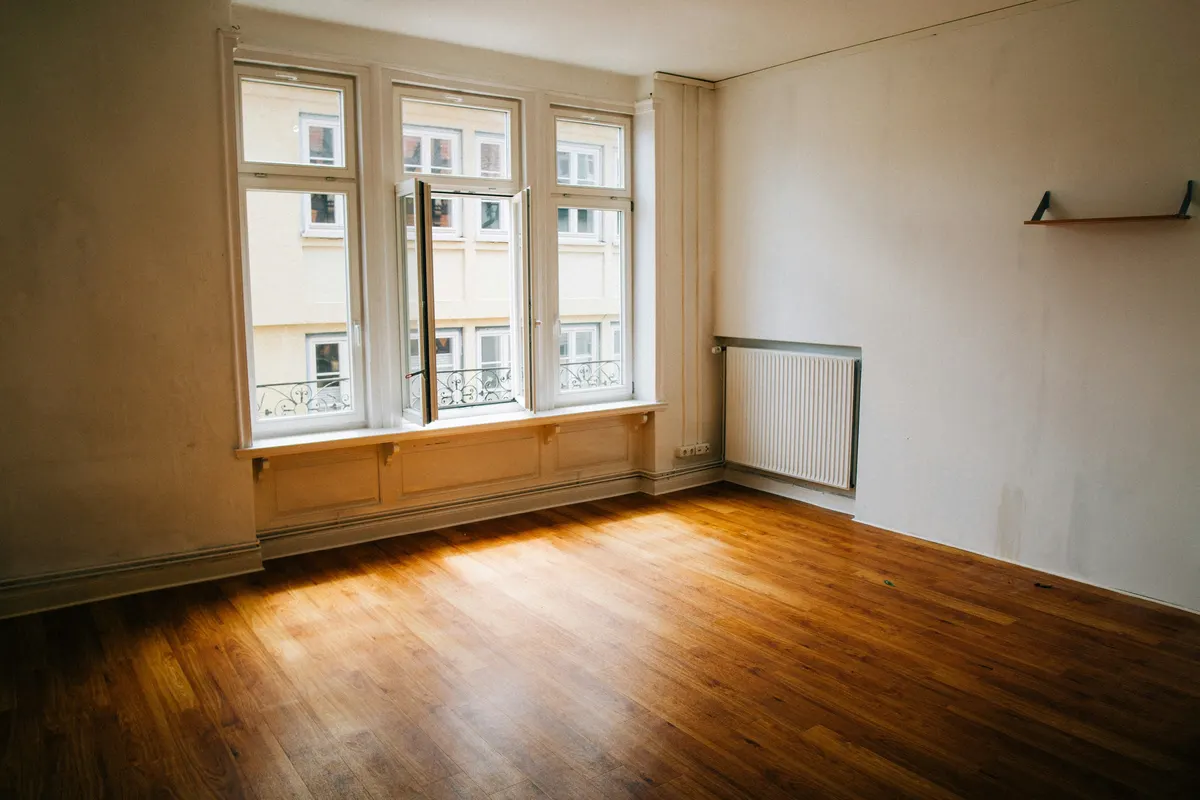
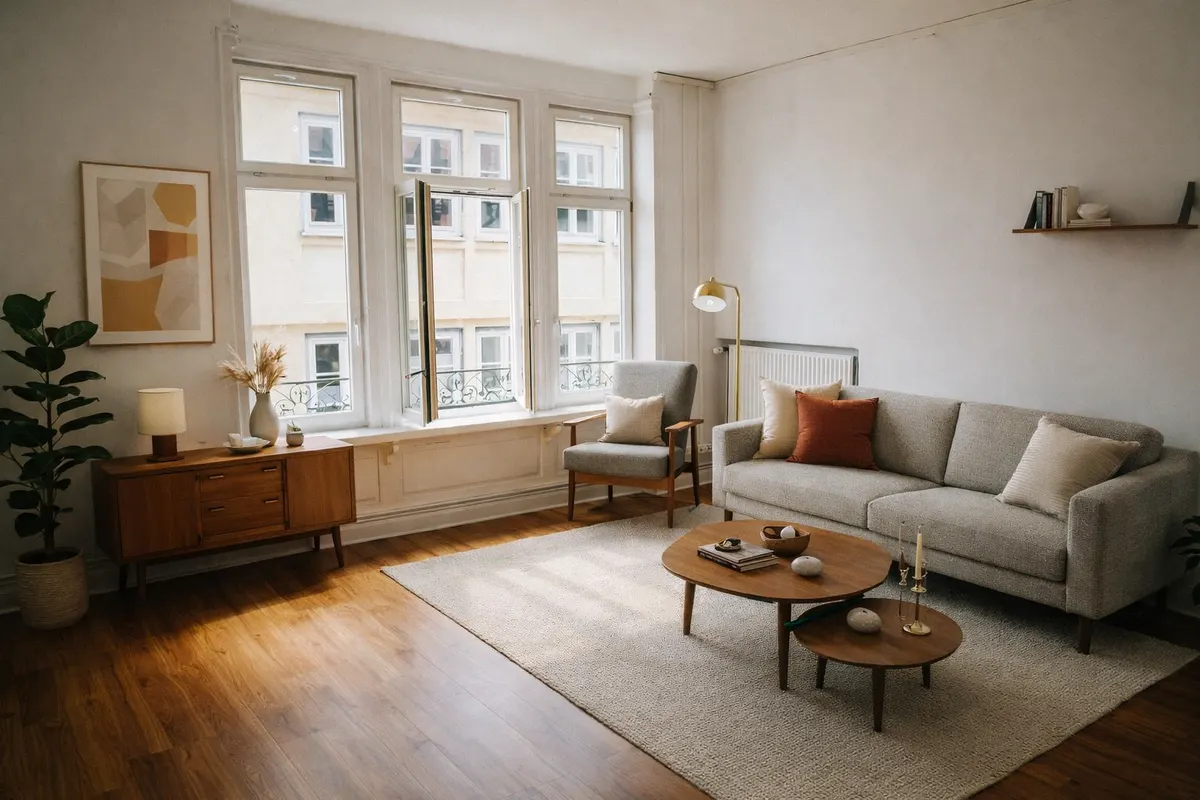
Your render is an AI image based on your own photo: check it before you use it.
What staging adds
- A desk and an office chair
- Shelving and a few books
- A desk lamp and a plant
- A rug to define the work area
Shoot it right
- Shoot the wall where a desk would naturally go, near the window
- Use daylight for an even, bright image
- Clear cables and boxes before shooting
How it works
- 1Upload the photoJPEG, PNG or WebP up to 10 MB, taken from a corner with the lights on.
- 2Pick “Home office” and a styleAdd a short note if you want something specific, like a reading corner.
- 3Compare and downloadSlide between before and after; downloads can carry a “Virtually staged” label.
Six styles to choose from
- Scandinavianlight wood, white, soft textiles
- Japandilow furniture, natural tones, calm
- Mid-century modernwalnut, tapered legs, mustard
- Industrialmetal, leather, exposed materials
- Coastallinen, blues, light and airy
- Minimalistfew pieces, clean lines
Questions
Can a bedroom be staged as an office?
Yes: pick “Home office” as the room type. Say in the listing that it is shown as an office and can be used as a bedroom.
Can I keep a sofa bed in the room?
Add a note such as “a small sofa against the back wall”. The note guides the render.
Do I have to say the photo is virtually staged?
Yes. A staged photo shows what the room could look like, not what it contains. Most listing platforms and local rules expect you to disclose it, so every RenderRoom download can carry a “Virtually staged” label. Never use staging to hide defects.
Stage your home office free 1 free render a day · about a minute per room