Virtual staging · Bathroom
Virtual staging for bathrooms
Bathrooms don't need furniture, but an empty one feels cold. A few towels, plants and objects make it look clean, bright and ready to use.
Stage a room free 1 free render a day · about a minute per room
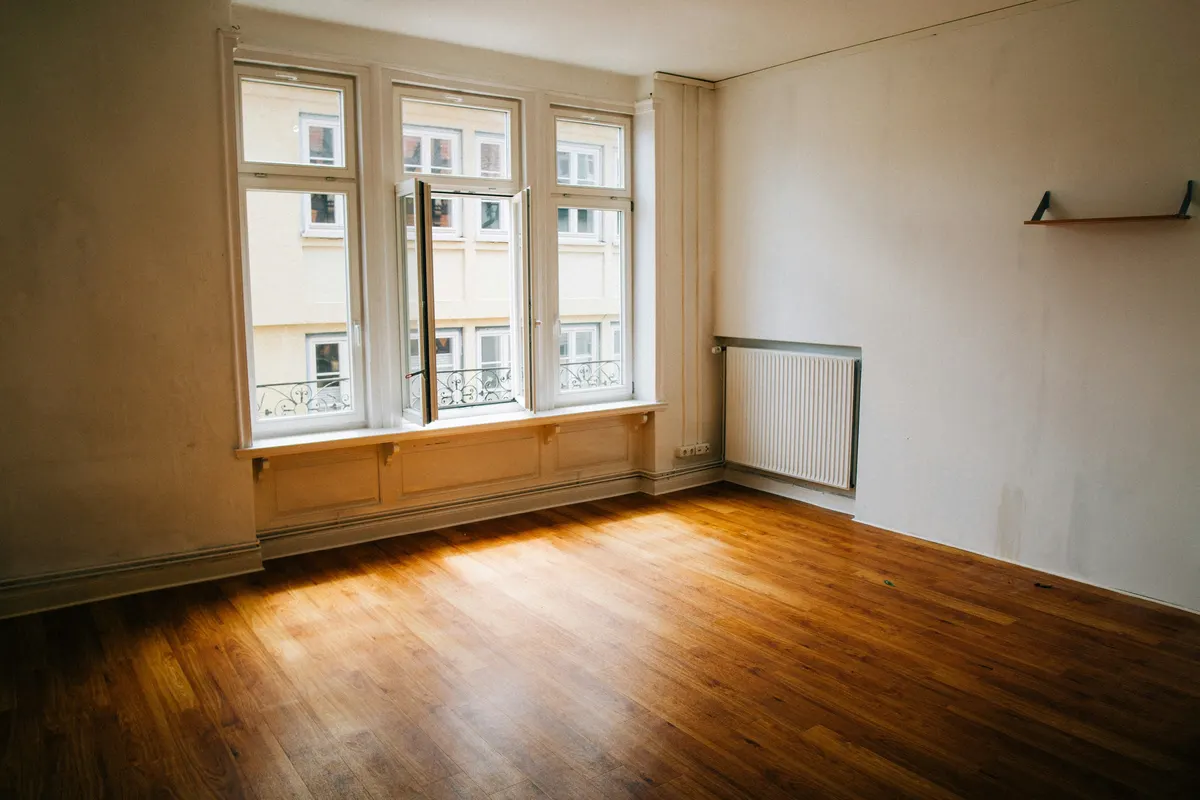
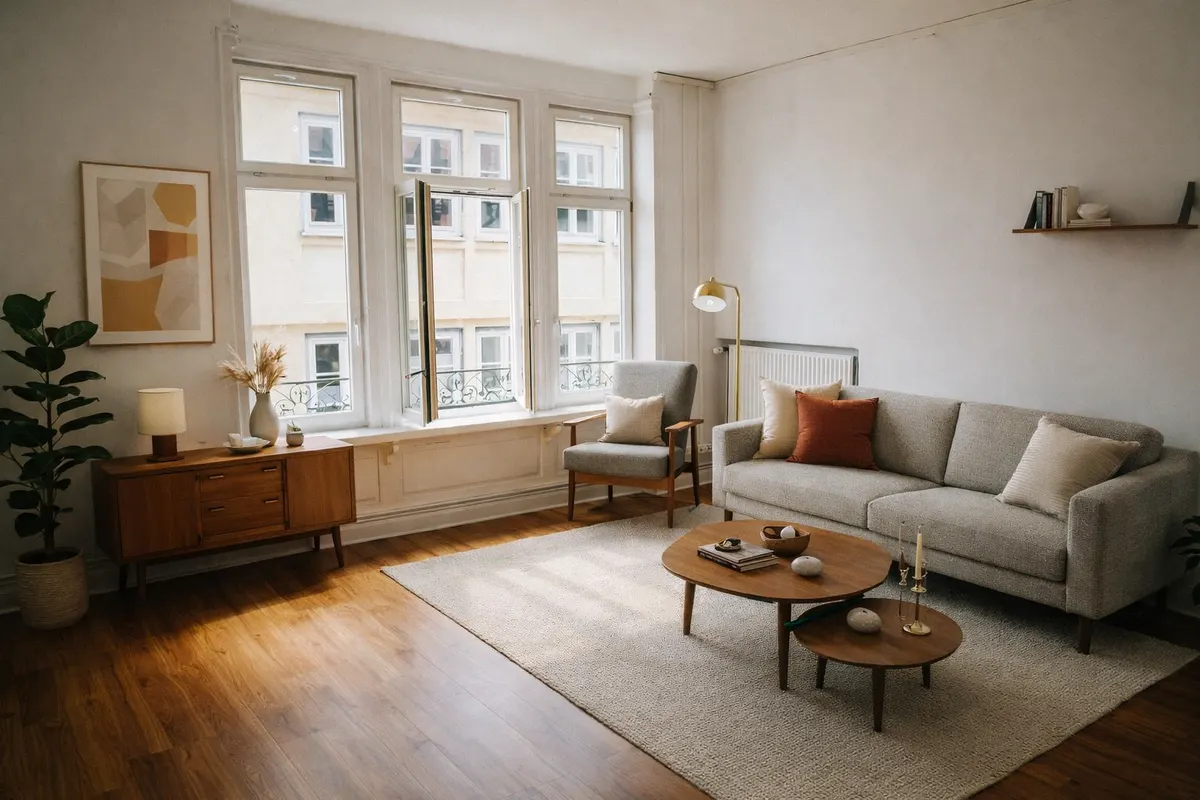
Your render is an AI image based on your own photo: check it before you use it.
What staging adds
- Folded towels and a bath mat
- A plant and a few toiletries
- Small shelving or a stool
- Soft, warm lighting
Shoot it right
- Shoot from the doorway at chest height
- Close the toilet lid and clear every surface
- Switch on all the lights to avoid dark corners
How it works
- 1Upload the photoJPEG, PNG or WebP up to 10 MB, taken from a corner with the lights on.
- 2Pick “Bathroom” and a styleAdd a short note if you want something specific, like a reading corner.
- 3Compare and downloadSlide between before and after; downloads can carry a “Virtually staged” label.
Six styles to choose from
- Scandinavianlight wood, white, soft textiles
- Japandilow furniture, natural tones, calm
- Mid-century modernwalnut, tapered legs, mustard
- Industrialmetal, leather, exposed materials
- Coastallinen, blues, light and airy
- Minimalistfew pieces, clean lines
Questions
Will it change the tiles or the bathtub?
It's instructed to keep the walls and fixed elements and only add decor. Check the render before you use it.
Is it worth staging a small bathroom?
Light styling helps it look clean and bright. Pick Minimalist or Coastal to keep it airy.
Do I have to say the photo is virtually staged?
Yes. A staged photo shows what the room could look like, not what it contains. Most listing platforms and local rules expect you to disclose it, so every RenderRoom download can carry a “Virtually staged” label. Never use staging to hide defects.
Stage your bathroom free 1 free render a day · about a minute per room