Virtual staging · Dining room
Virtual staging for dining rooms
An empty dining room hides its main selling point: how many people can sit down together. A staged table with chairs makes the capacity obvious.
Stage a room free 1 free render a day · about a minute per room
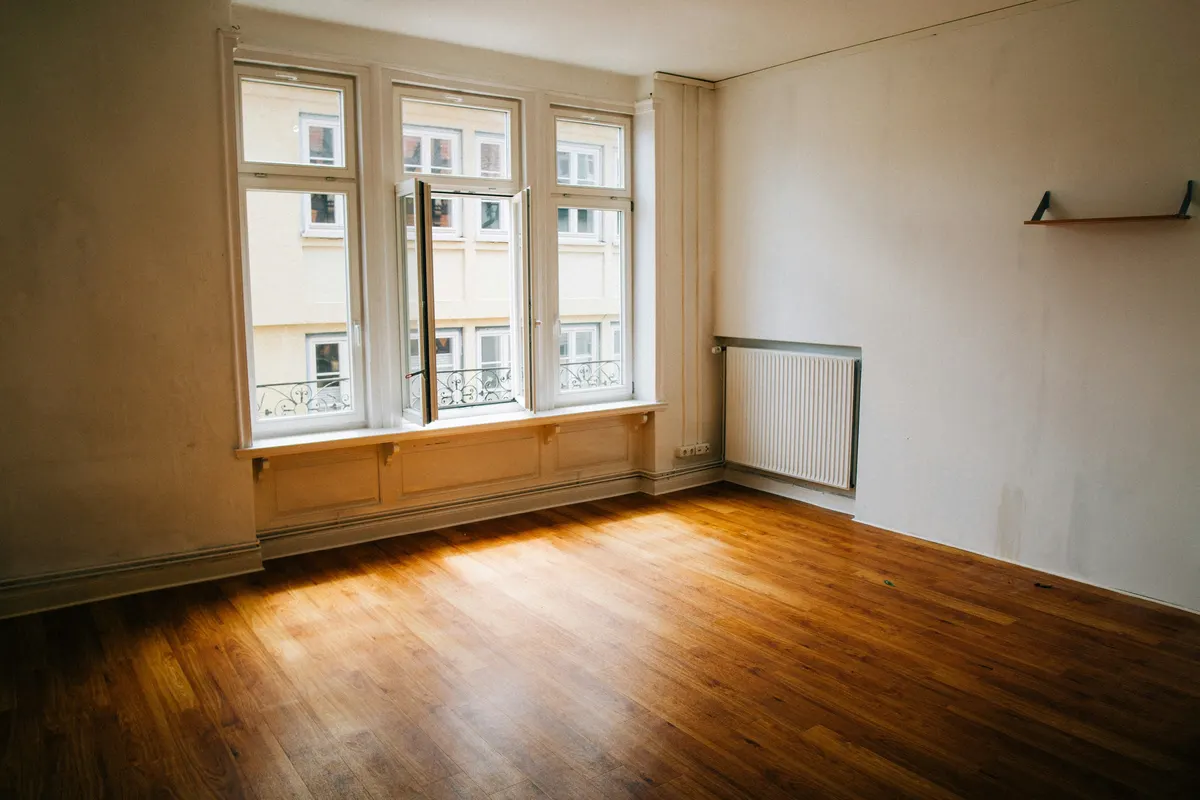
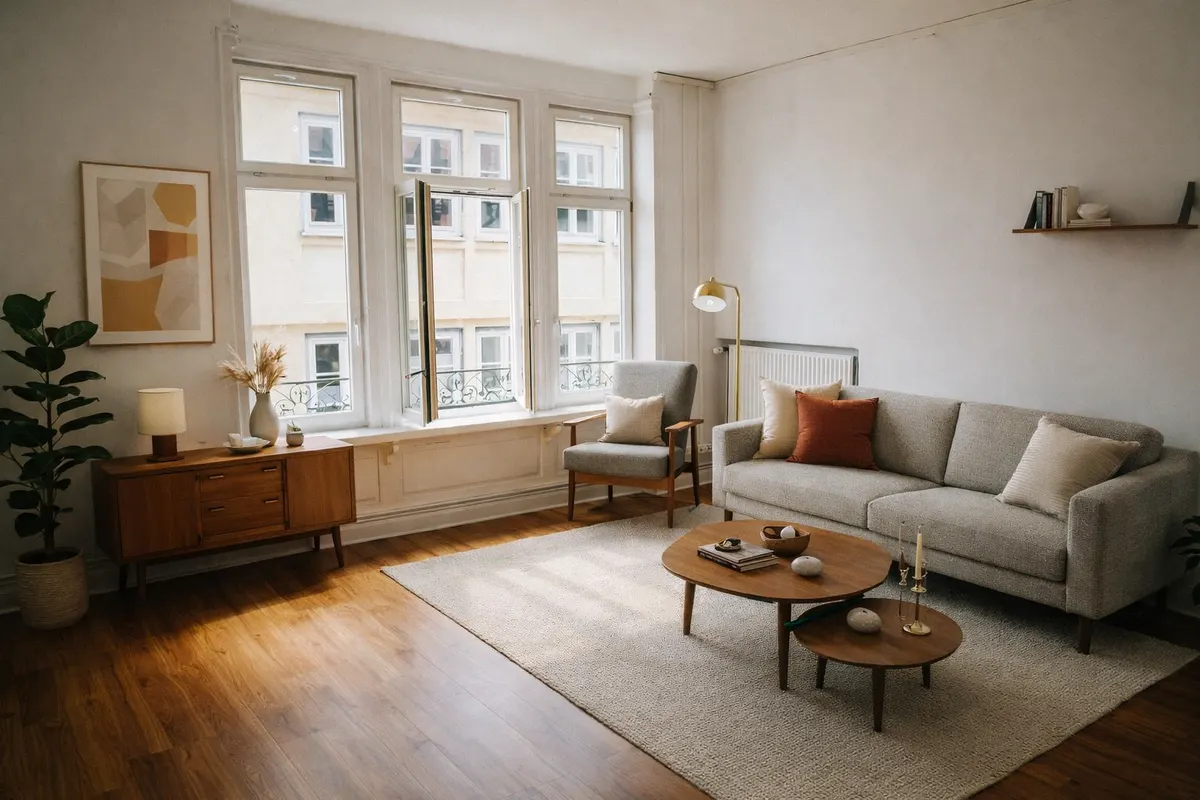
Your render is an AI image based on your own photo: check it before you use it.
What staging adds
- A table and chairs sized to the space
- A pendant light above the table
- A sideboard or shelving
- A centrepiece and wall art
Shoot it right
- Shoot along the longest wall to show the full length
- Keep the camera level so the table looks straight
- Include the window or the door to give scale
How it works
- 1Upload the photoJPEG, PNG or WebP up to 10 MB, taken from a corner with the lights on.
- 2Pick “Dining room” and a styleAdd a short note if you want something specific, like a reading corner.
- 3Compare and downloadSlide between before and after; downloads can carry a “Virtually staged” label.
Six styles to choose from
- Scandinavianlight wood, white, soft textiles
- Japandilow furniture, natural tones, calm
- Mid-century modernwalnut, tapered legs, mustard
- Industrialmetal, leather, exposed materials
- Coastallinen, blues, light and airy
- Minimalistfew pieces, clean lines
Questions
Can I ask for a table for six?
Yes, add it as a note (“a table for six”). The note guides the render; check that the result fits the room realistically.
Which style suits a dining room?
Mid-century modern and Japandi give warm wood tones; Industrial suits lofts and exposed materials.
Do I have to say the photo is virtually staged?
Yes. A staged photo shows what the room could look like, not what it contains. Most listing platforms and local rules expect you to disclose it, so every RenderRoom download can carry a “Virtually staged” label. Never use staging to hide defects.
Stage your dining room free 1 free render a day · about a minute per room