Virtual staging
Virtual staging from one photo, room by room.
Upload a photo of an empty or tired room, pick the room type and a style, and RenderRoom furnishes it in about a minute. Each room has its own tips for a better result.
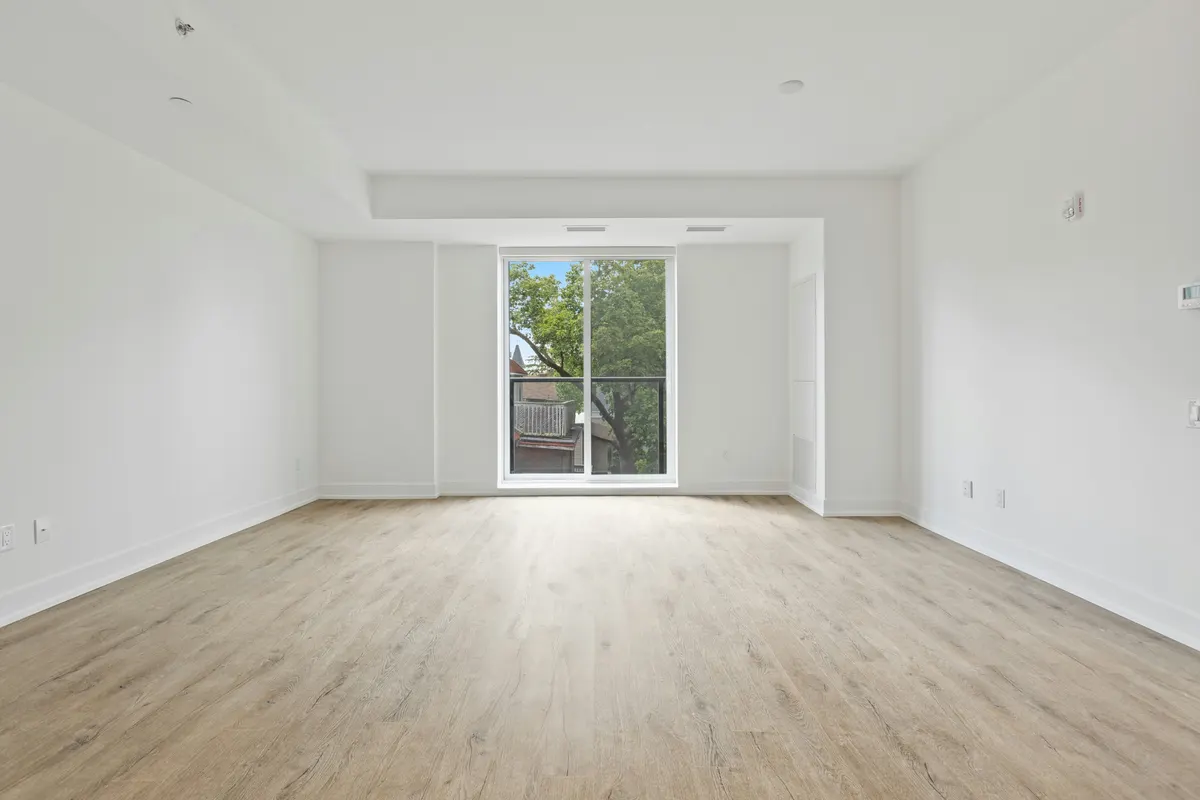
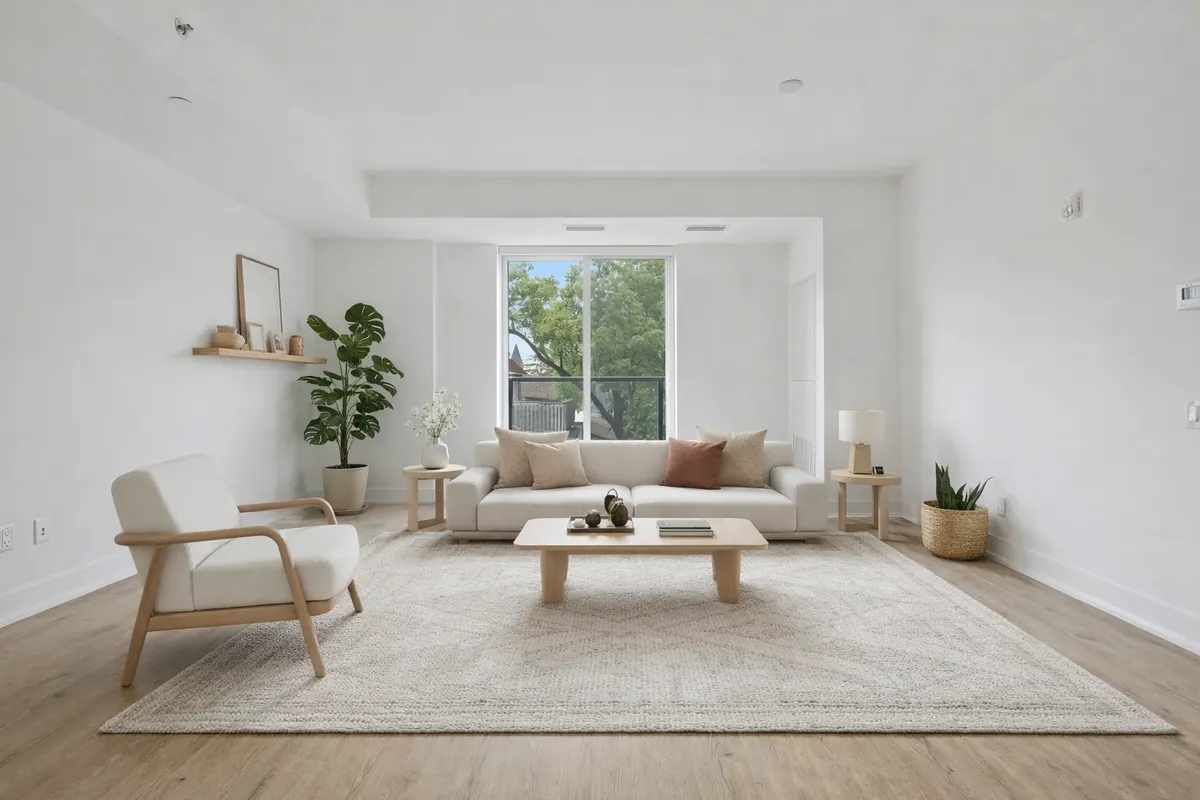
Your render is an AI image based on your own photo: check it before you use it.
Living room
Furnish an empty living room from one photo: sofa, rug, lighting and decor in six styles, in about a minute. One free render a day.
Bedroom
Turn an empty bedroom into a furnished one from a single photo: bed, side tables, textiles and lighting, in about a minute.
Kitchen
Add stools, table, plants and styling to an empty kitchen photo. Six styles, about a minute per render, one free render a day.
Dining room
Show how many people fit around the table: stage an empty dining room from one photo, in about a minute.
Home office
Show a spare room as a home office: desk, chair, shelving and lighting, staged from one photo in about a minute.
Bathroom
Make an empty bathroom feel ready to use: towels, plants, mirror styling and small decor, from one photo in about a minute.